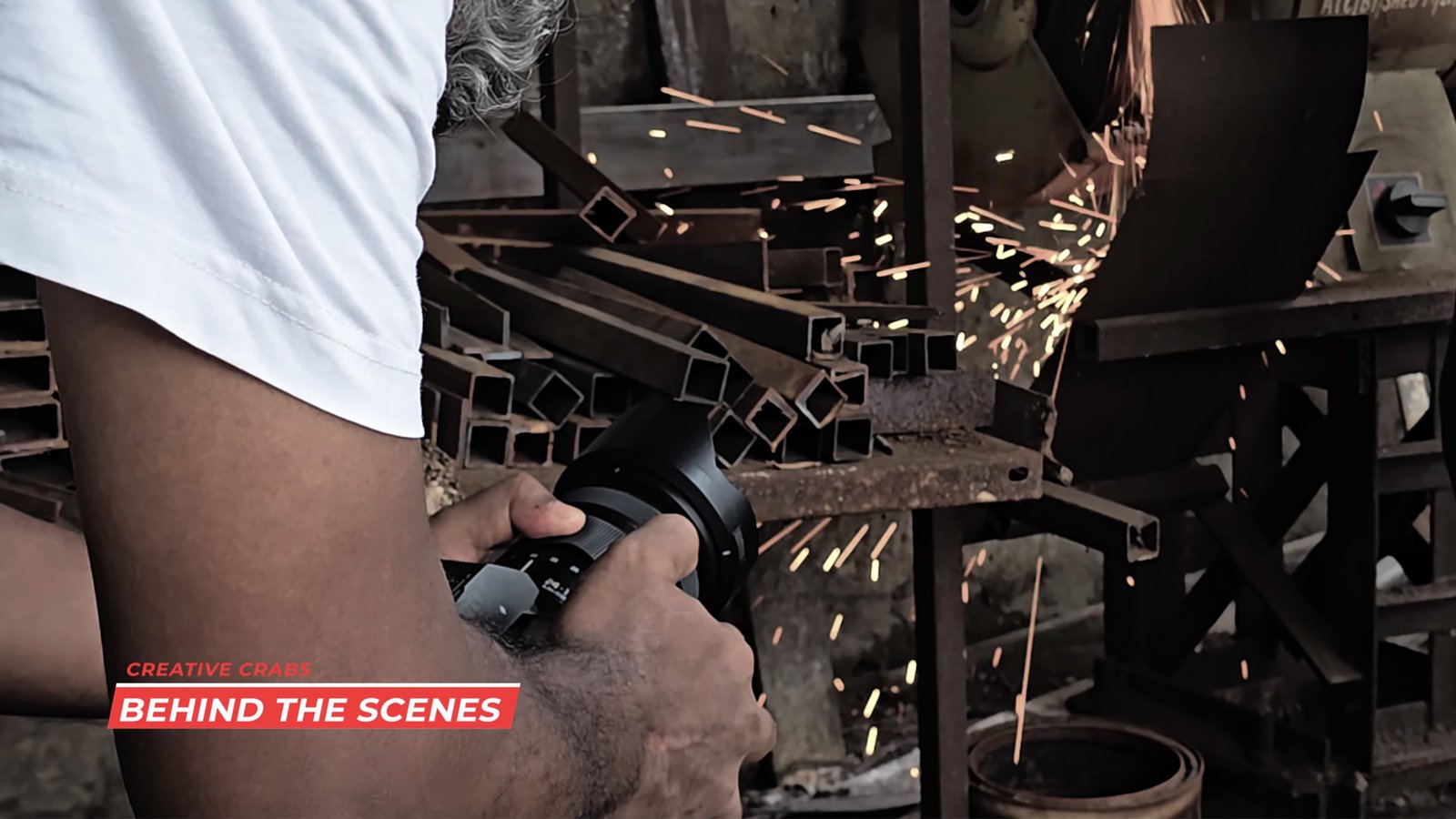
✅ Why LUMIX works well for video/industrial video production
-
Professional video features — high resolution, flexible formats: Many modern LUMIX cameras support “open-gate” video (e.g. 6K, 5.9K, or 5.1K) and high-frame-rate 4K or Full HD. This gives creators freedom to crop or reframe in post-production, pick different aspect ratios, or re-purpose footage for different outputs. Panasonic+2CineD+2
-
Wide dynamic range & rich color — great for varied lighting: LUMIX bodies offer very strong dynamic-range performance (e.g. “15 stops V-Log/V-Gamut” in certain models), letting them handle mixed lighting conditions (such as indoors + ambient light + windows) without losing highlight or shadow detail. Panasonic+1
-
Strong in-body stabilization & versatility: LUMIX has a reputation for among the best image stabilization systems. That helps produce smooth, professional-looking handheld footage — often eliminating the need for expensive gimbals or rigs, especially useful when shooting industrial videos on-the-go or in tight spaces. Digital Camera World+2verbit.ai+2
-
Video + photo hybrid — flexibility: Many LUMIX cameras strike a balance between stills and video. For creators who might need still images (e.g. for documentation, marketing, or prints) in addition to video, this hybrid nature makes them efficient. The Economic Times+2Wikipedia+2
-
Post-production flexibility — grading, cropping, LUTs, editing workflows: Because of the wide dynamic range, high bit-depth codecs, and open-gate filming, the footage affords a lot of flexibility in post: color grading, re-framing, cropping, adapting to different aspect ratios/platforms. CineD+2Panasonic+2
🎯 What kinds of “industrial video making” LUMIX supports well
Use cases where LUMIX excels:
-
Corporate videos, promotional films or marketing videos — where you need good image quality, but may not have a large production setup.
-
Documentaries, real-world shooting, or any on-location work — thanks to good dynamic range, stabilization, versatility between video and stills.
-
Content needing versatility: e.g. a mix of 4K, 6K footage; different aspect ratios (for web, social, cinema); possibility of heavy post-production work.
-
Solo-creators or small teams needing a “do-it-all” camera — because LUMIX often combines stills, video, stabilization, and decent ergonomics in one body.
⚠️ What to watch out for / trade-offs & limitations
-
Shooting in high-resolution open-gate or high-bit-depth log (e.g. V-Log) demands more careful work in post — color grading, handling large file sizes, cropping, etc. If post-production resources are limited, this can be a burden.
-
For maximum quality and flexibility, you may need quality lenses (and possibly external audio/lighting gear). A good image sensor and body helps — but “cinematic” output often depends heavily on lens choice, lighting, and post workflows.
-
While stabilization is very good, for extremely complex shoots (e.g. big motion, camera moves, heavy action), stabilization + proper rigging/handling may still be required.
-
As with any hybrid or mirrorless camera, there may be limitations compared to dedicated cinema-cameras (especially for very heavy-duty production), but for many industrial/commercial videos, LUMIX strikes a strong balance of price, portability and quality.
🎥 Recommended Approach When Using LUMIX for Industrial Video Work
If you plan to use LUMIX gear for industrial/professional-style video, consider this workflow:
-
Film in “open-gate” or high-resolution mode (6K / 5.9K / high-bit-depth log) so you get maximum flexibility — can reframe, crop, do post-color grading, and deliver multiple output formats.
-
Use stabilisation (in-body + lens), or even a simple gimbal if needed, to ensure smooth professional motion.
-
Shoot with manual or semi-manual control (exposure, white balance, log settings) to control dynamic range and look — this helps especially in mixed/complex lighting (common in industrial/indoor setups).
-
In post-production, leverage LUTs or color grading to get cinematic, polished output; exploit the dynamic range to produce rich shadows and highlights.
-
Use the hybrid capabilities — if you also need still photos (for marketing material, documentation), you get those from the same shoot, saving setup time.







 English